
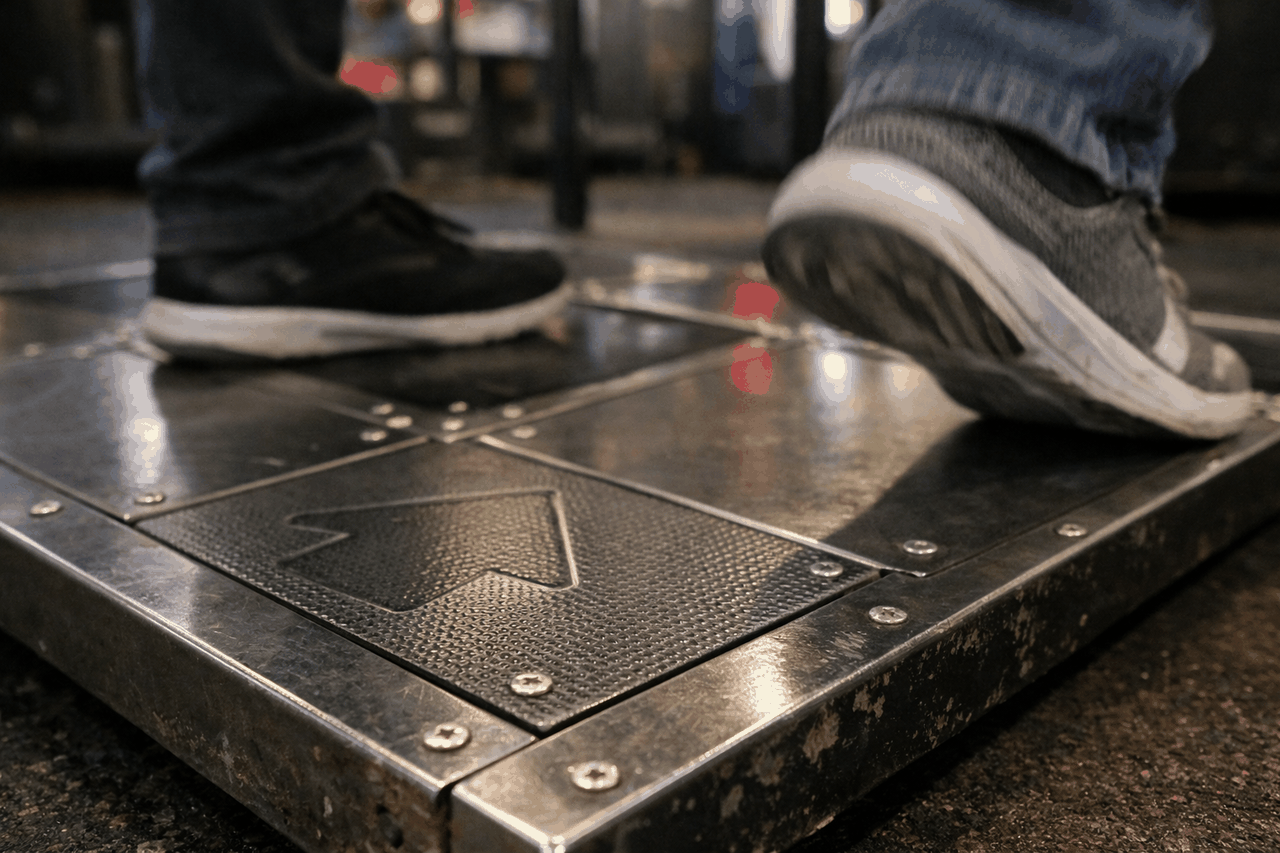
Choose Taiko no Tatsujin if you want to strike a drum with sticks, or DanceDanceRevolution (DDR) if you want to follow music with your feet. Both turn a musical pulse into physical actions. Your best starting point is the movement you want to learn, followed by an approachable song chart and confirmation that the local arcade has the cabinet and edition you expect.
Compare the controls first
A chart is the sequence of inputs assigned to a song at a particular difficulty. The same music can feel very different when those inputs ask for drum strikes, steps, or key presses.
| Game and platform | Action and timing cue | Space and effort | Edition and operator check |
|---|---|---|---|
| Taiko no Tatsujin Arcade cabinet |
Strike the drum surface or rim according to the note. Time the strike for the moment the note aligns with the judgment frame. | Your arms provide the strikes while you stand at the drum. Allow room for comfortable stick movement. Ask about the installed cabinet’s dimensions if space matters. | Confirm the arcade edition, available songs, and supported profile features. Choose from the catalog shown on that machine. |
| DanceDanceRevolution Arcade cabinet |
Step on the matching directional foot panels as arrows rise from the bottom of the screen toward their timing targets. | The separate floor platform requires weight shifts and foot placement. Consider the platform and surrounding clearance alongside the display cabinet. | Ask which edition is running. On DDR WORLD, check whether the FIRST STEP song folder is available. |
| beatmania IIDX Arcade control reference |
KONAMI’s cited description identifies seven keys and a scratch control. Follow the on-screen performance instructions, pressing keys and turning the scratch control in time with the music. | The documented layout uses hand inputs. Confirm the installed cabinet model and its physical arrangement locally. | This row establishes the control format. Ask the operator for the installed edition and its song selection before planning a session. |
DDR’s footprint deserves particular attention. KONAMI’s US product listing gives the main unit as 59 inches wide, 23 inches deep, and 75 inches high. It lists the left step unit separately at 36 inches wide and 43 inches deep. These component measurements help explain why the screen cabinet alone cannot describe the space occupied by an installed setup.
Picture where each input happens
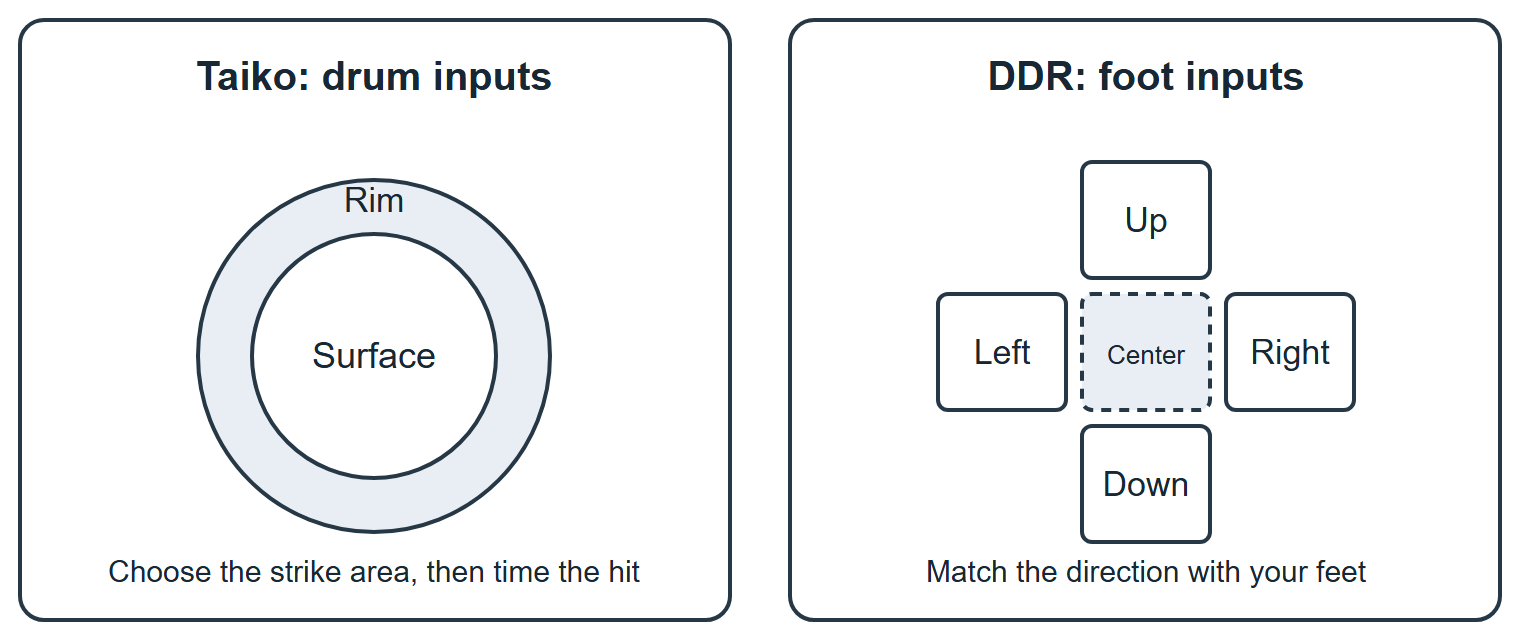
Taiko asks you to connect a note type with a strike area. DDR adds a spatial task: identify the direction and place a foot on the corresponding panel. That difference is useful when choosing between them. One emphasizes stick placement and arm timing, while the other combines timing with movement across a platform.
Taiko’s feedback makes the timing goal explicit. Its arcade guide awards GOOD for precise timing, OK for a less accurate hit, and BAD for a missed note. It also distinguishes ordinary strikes, stronger strikes, drum rolls, and special notes. Learn the basic surface-and-rim vocabulary first so that additional symbols have something familiar to build on.
Choose a first song around the movement
For Taiko, start with a low difficulty and focus on recognizing ordinary surface and rim notes. A familiar tune can help you hear the pulse. The useful first challenge is connecting that pulse to the correct strike area without feeling rushed by the chart.
For DDR WORLD, look for FIRST STEP when it is available on the installed build. KONAMI’s June 2024 launch announcement describes this folder as a way to learn basic steps through familiar songs. It also describes simplified selection screens and difficulty choices capped at BASIC in these introductory folders. That makes the folder a practical starting point before exploring the wider catalog.
Here is an original spoken counting exercise: say “one, two, three, four” evenly. Imagine Taiko inputs as “surface, rest, rim, rest,” then DDR inputs as “left, rest, right, rest.” These invented patterns illustrate how the same pulse can organize different movements. They are practice examples, independent of any game’s song charts.
Keep song choice edition-dependent. A track mentioned in a launch announcement establishes an announced inclusion for that release. Check the local machine’s selection before making a particular song the reason for your trip.
Confirm the machine you can actually use
A useful operator inquiry separates four details that answer different questions:
- Cabinet and software: Ask for the hardware model and the installed game edition. The control layout and the software version describe different parts of the setup.
- Venue stock: Confirm that the machine is present, operating, and available during your intended visit. Ask about the price per play.
- Player profile: Taiko’s guide says a Bandai Namco Passport can provide a consolidated view of score ranks and crowns. Ask whether the installed machine supports the profile features you intend to use.
- Network region: Ask which service region the cabinet uses and whether relevant online services are active. The language or country selection on a publisher’s website describes the page you are reading.
With those answers, choose the input format you want to learn and an introductory chart offered by that machine. You will arrive with a clear first action: recognize a drum note and strike its area, or read a directional arrow and place your foot.